01 · CHOOSE YOUR ENTRY
Use Alipay or install the official app
Useful when Alipay is already set up and you want an occasional ride without another download.
Useful for a dedicated ride interface, history, driver chat and in-app English support.
You do not need the standalone app for every trip. Download only the official listing shown below; availability can vary by store region.
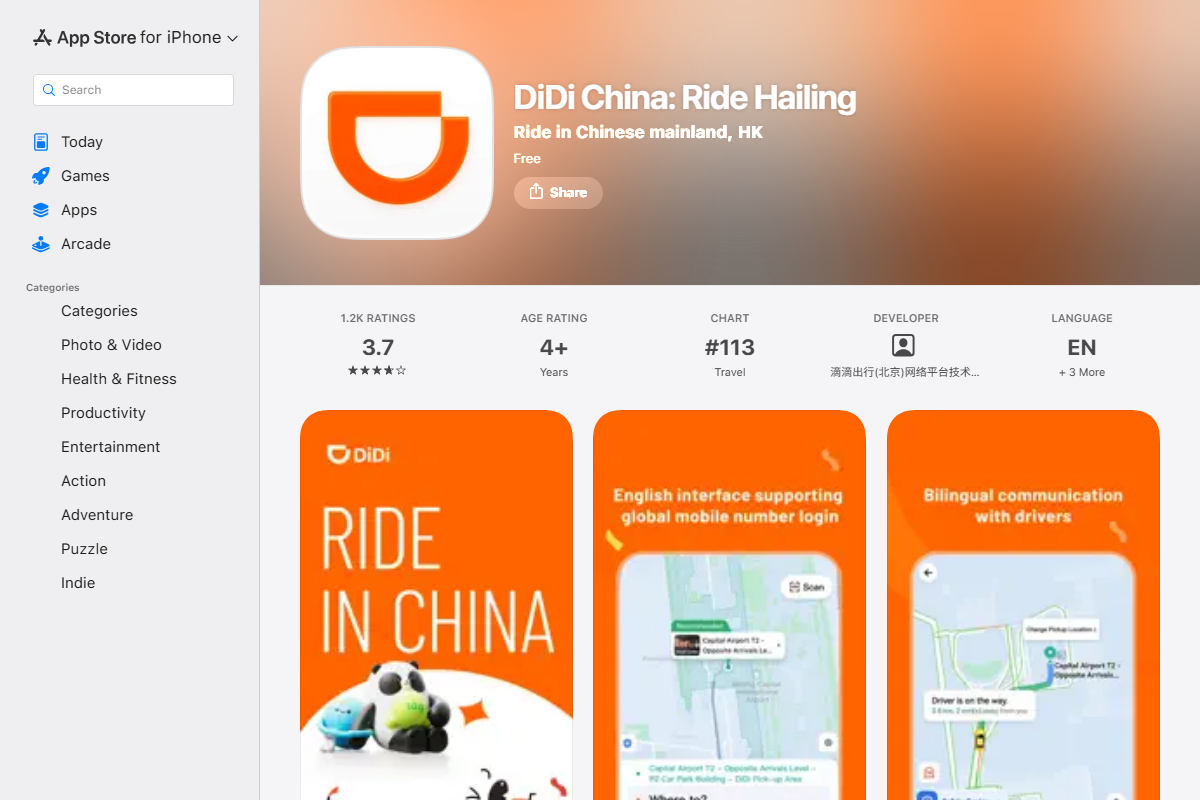
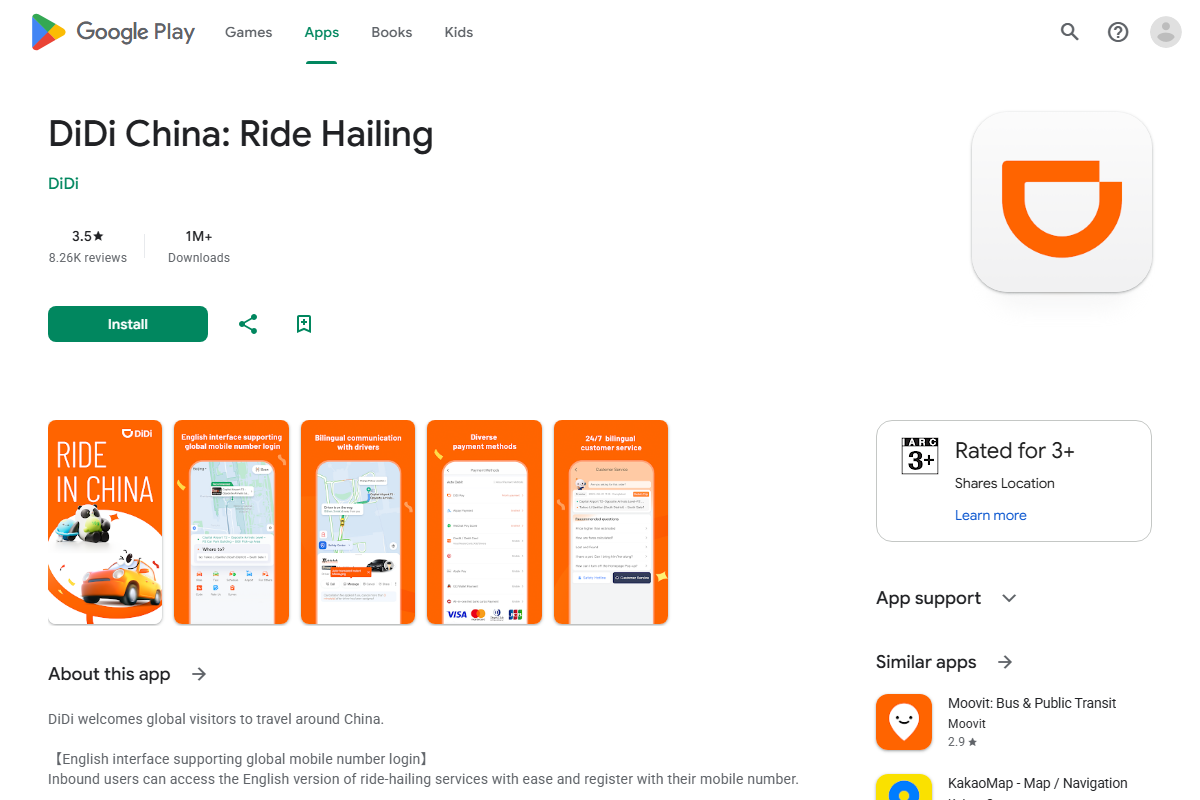
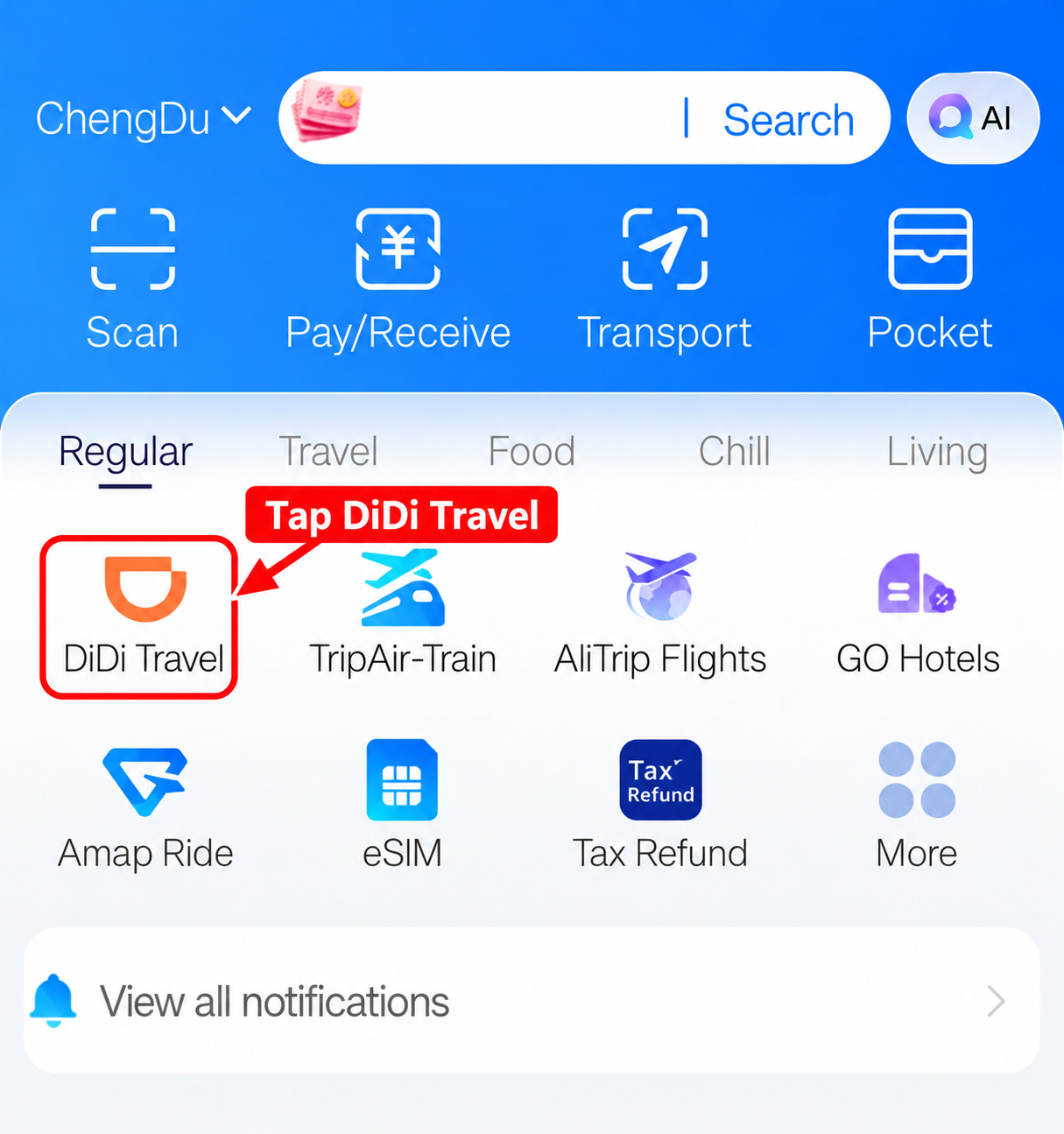
Open DiDi Travel inside Alipay
Tap DiDi Travel on the Alipay home screen or search for it. For registration and card setup, use the Alipay guide →
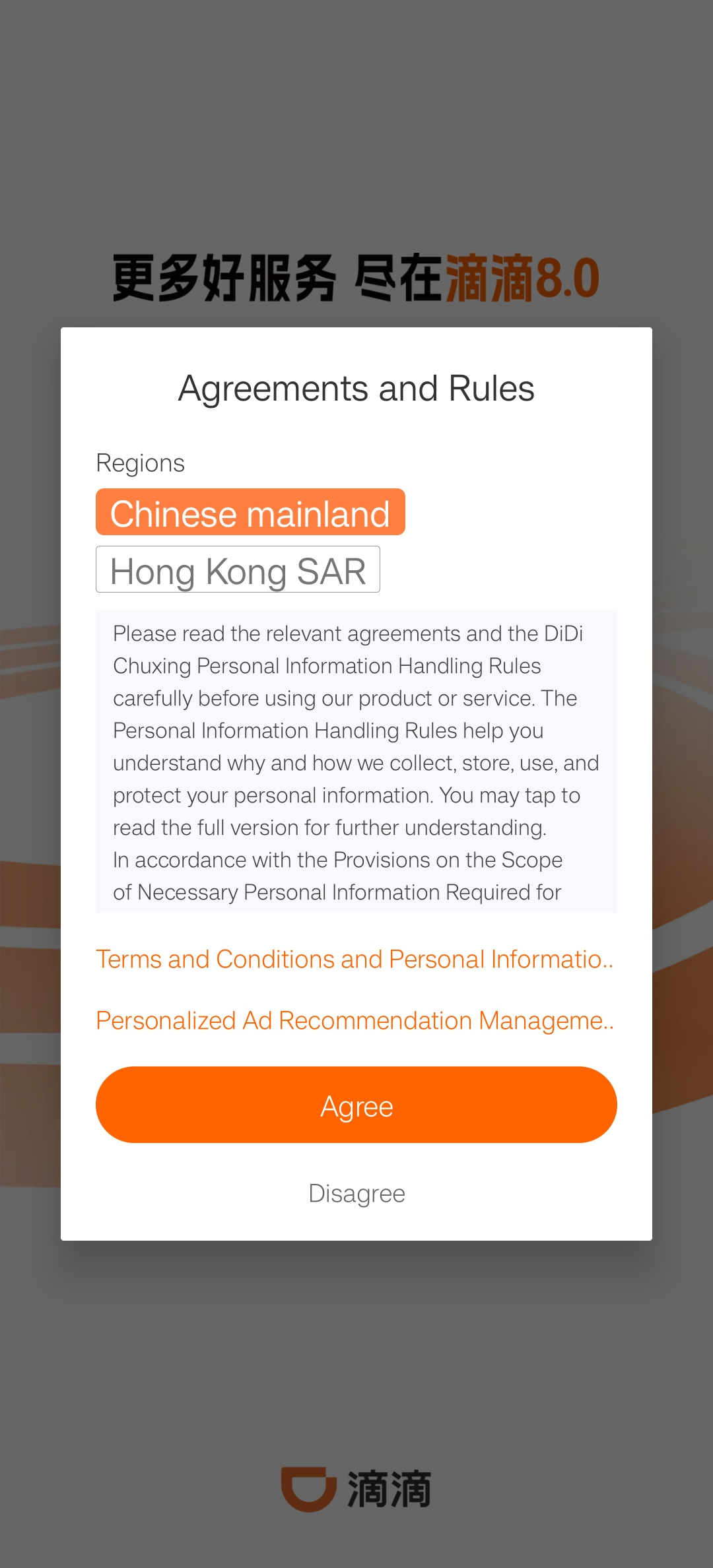
Start the standalone app
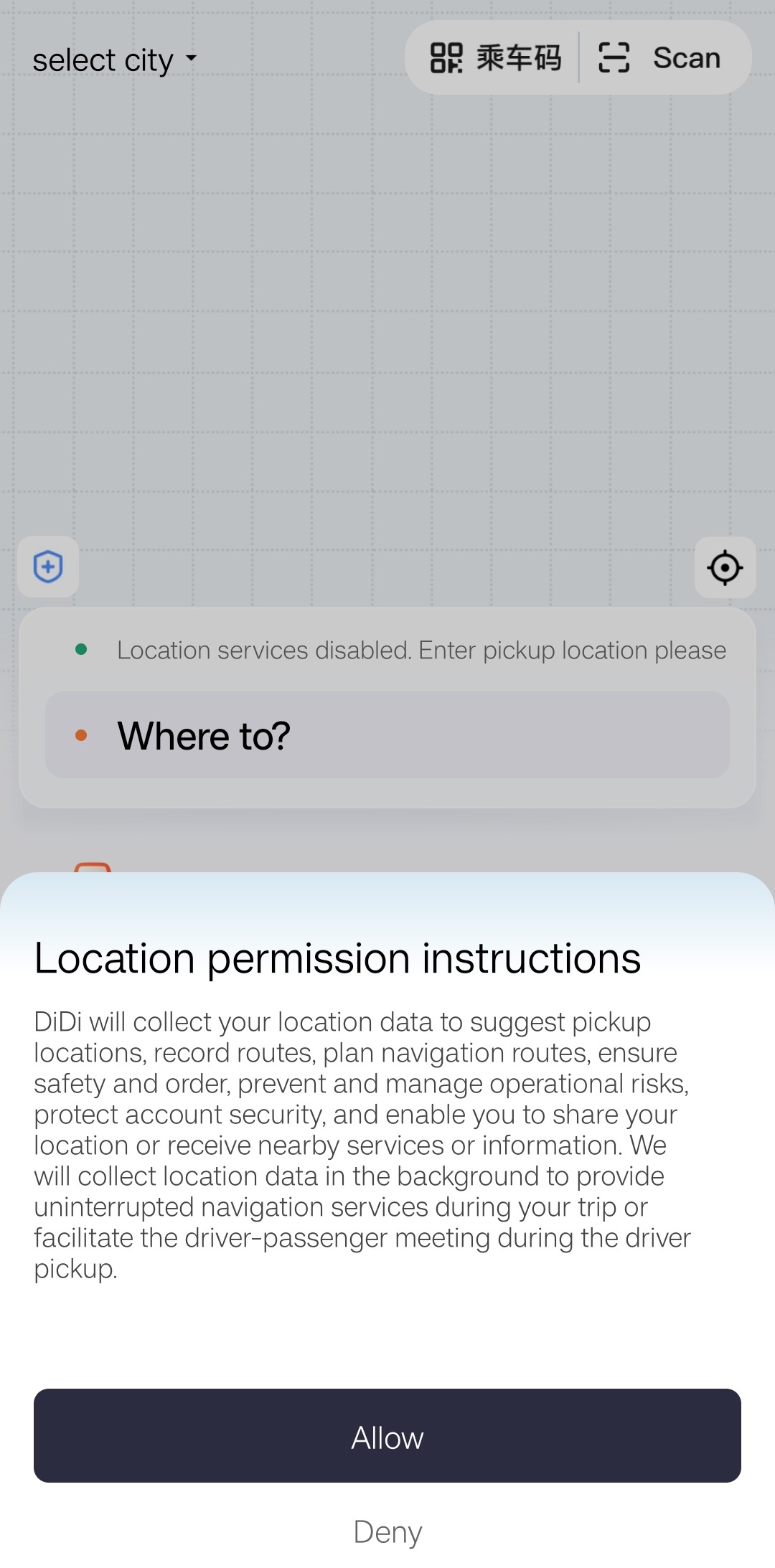
Choose Chinese mainland, read the terms and privacy information, and continue only if you agree. Allow location while using the app so it can suggest nearby pickup points.
02 · REGISTER OR SIGN IN
Use a number that can receive verification messages
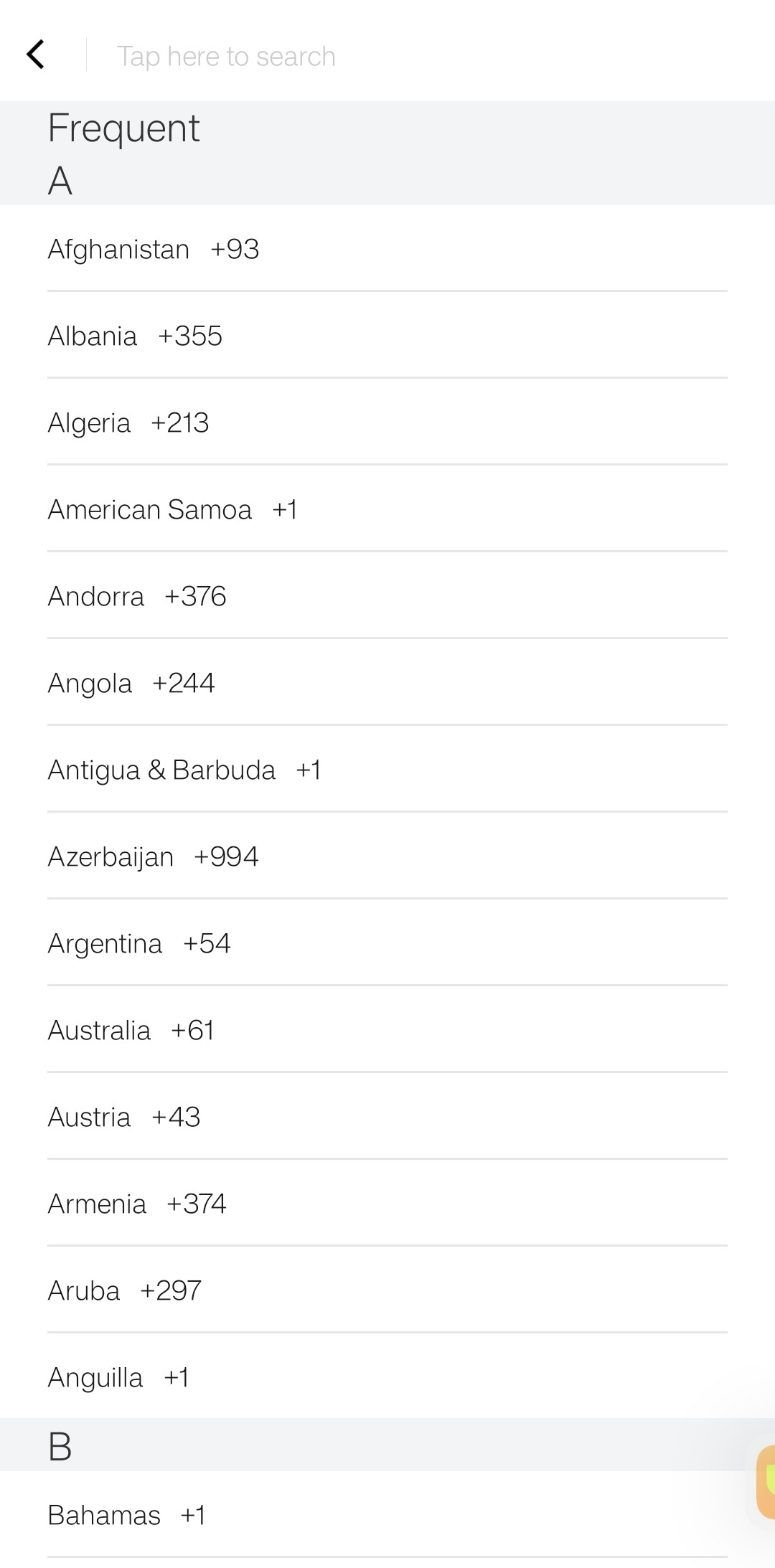
The official store descriptions say global mobile-number login is supported. Choose the country or region code, enter the number, accept the terms if you agree, then complete SMS verification. Set this up before you urgently need a ride.
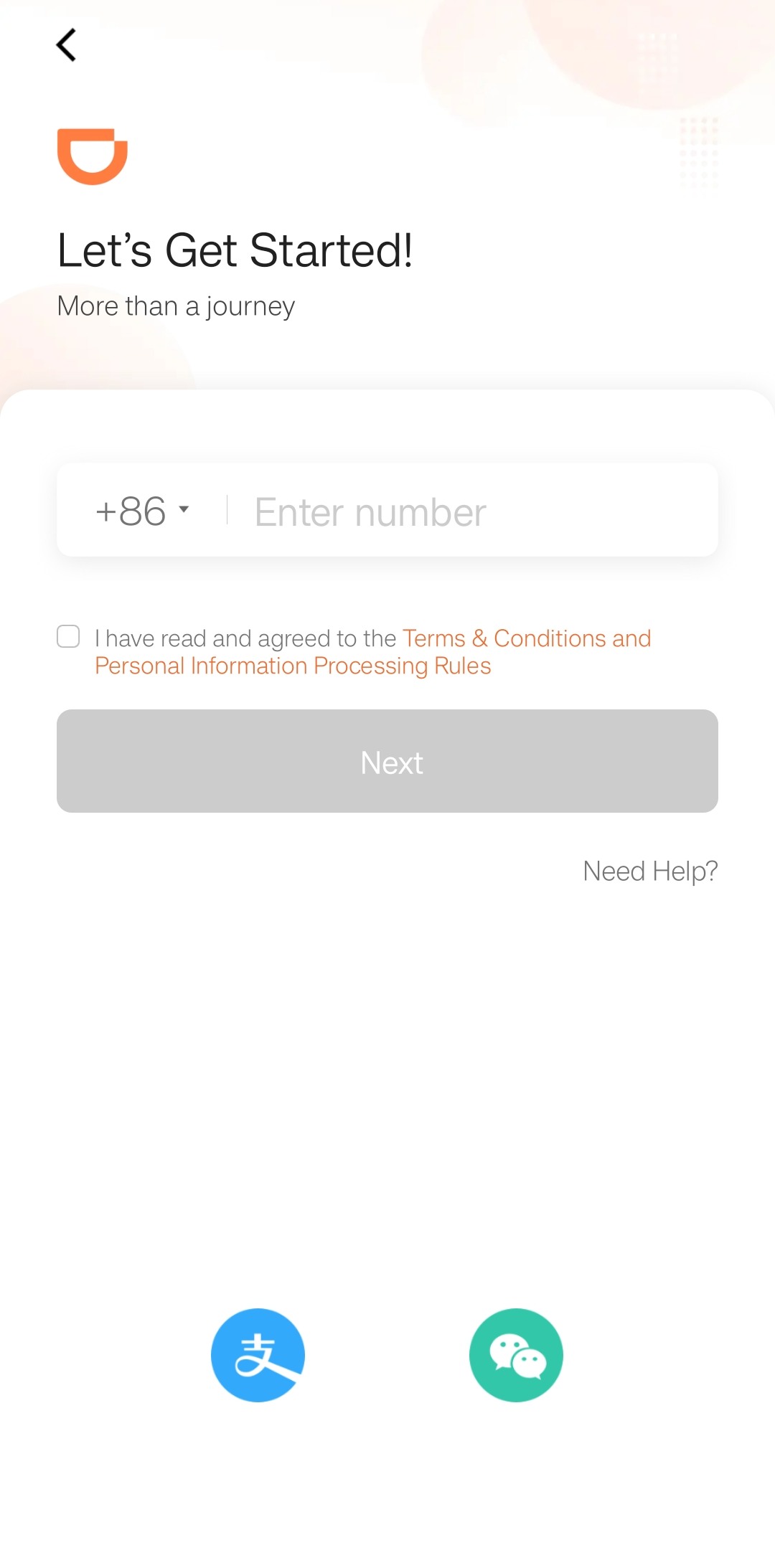
Enter it only in the official app and never send it to a driver or anyone claiming to provide support.
03 · SEARCH & BOOK
Search in English, then verify the place on the map
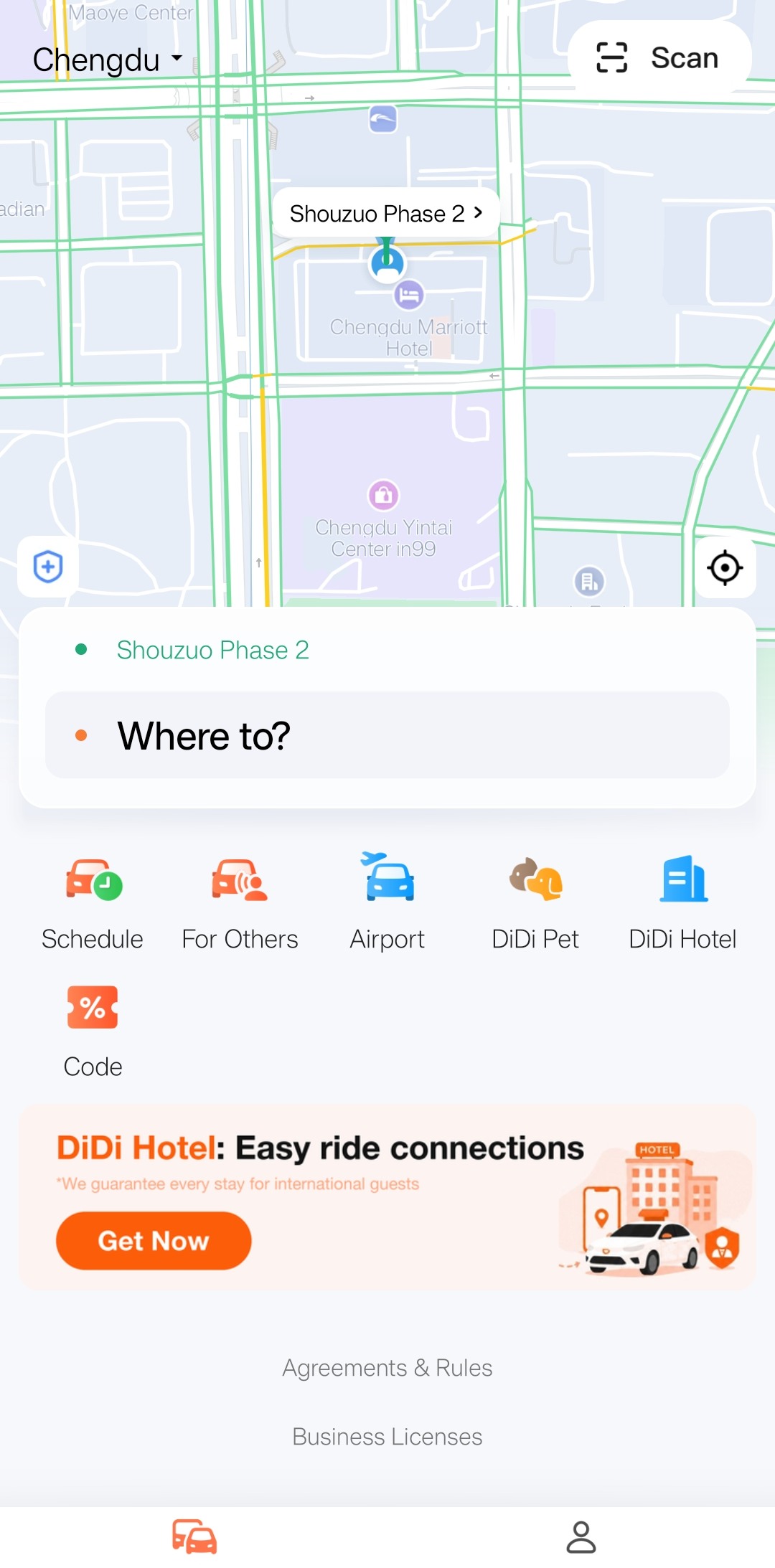
Tap “Where to?”
Try a well-known English name. If the result is unclear, use Pinyin or the Chinese name and full address—for example, Chengdu Tianfu International Airport (成都天府国际机场).
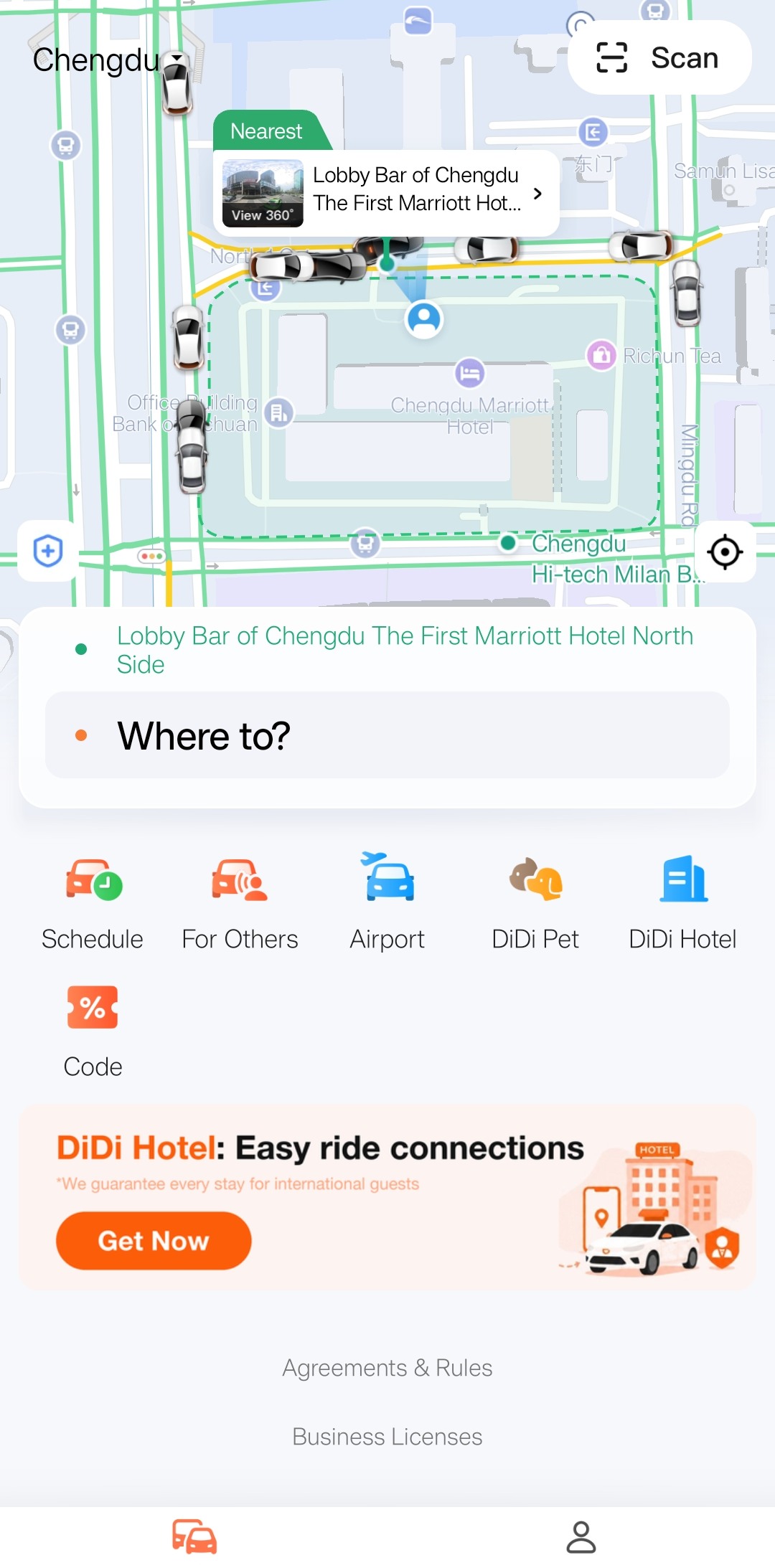
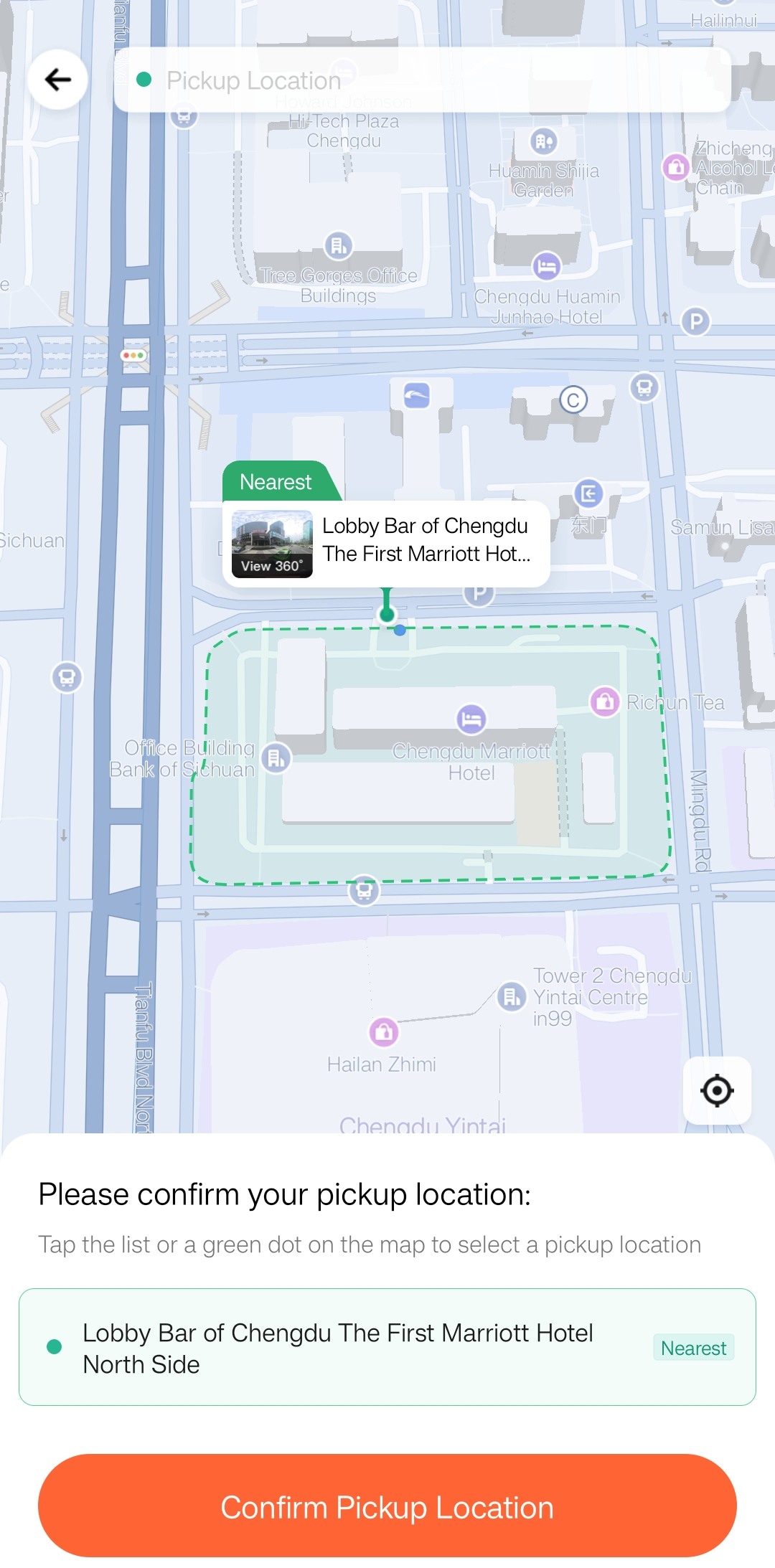
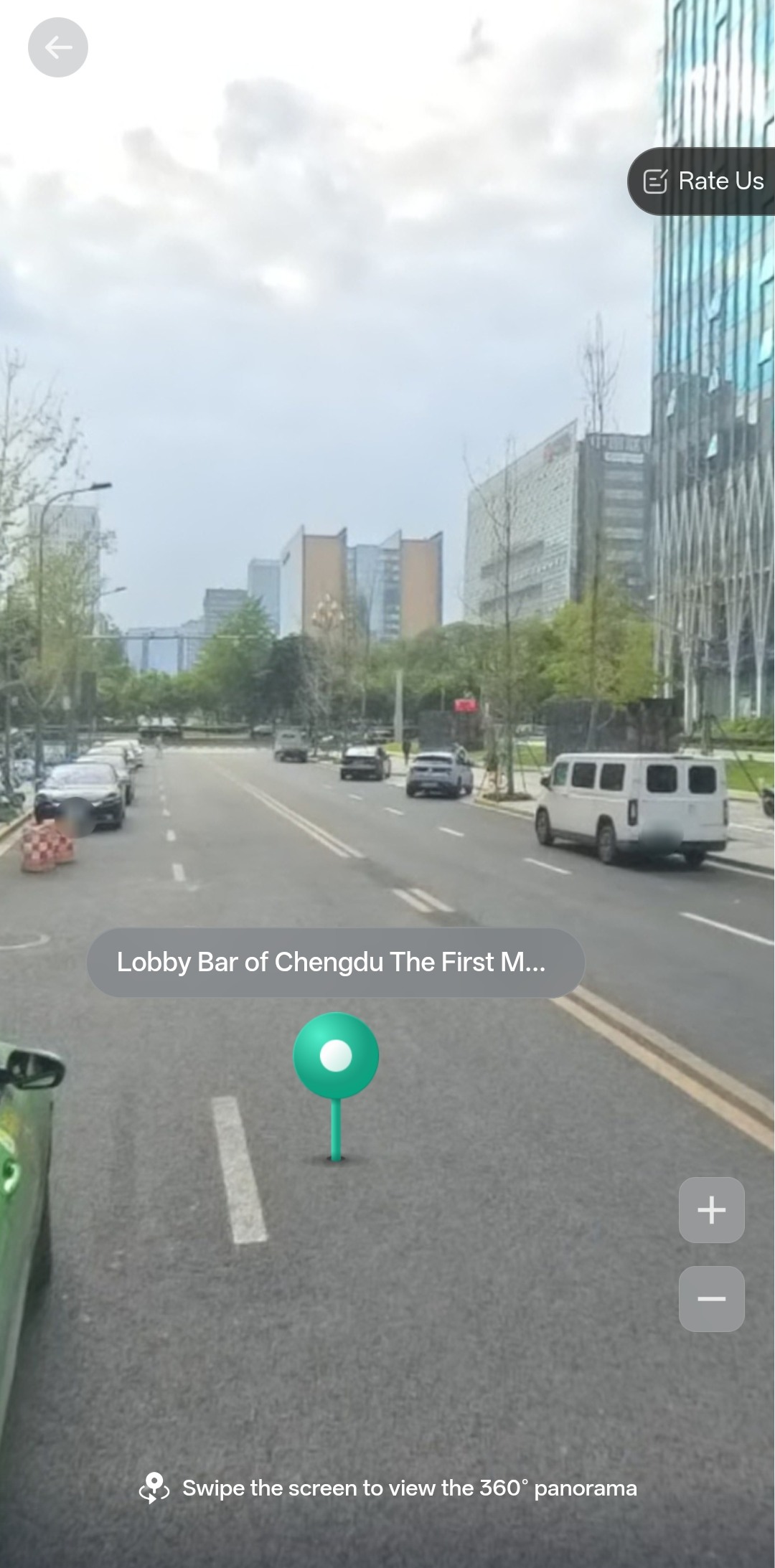
Choose a safe, specific pickup point
Use the correct entrance, gate or roadside pickup area. A hotel, mall, station or airport can have several possible meeting points.
Compare the vehicle and live fare
Ride types, prices and availability vary by place and time. Economy is the lower-cost option, Standard is an everyday ride, Priority may reduce waiting time, and Comfort or larger and Luxe options offer different vehicle styles or space; check the live description and passenger capacity. Premium is positioned as a higher-end service. Based on our experience, first-time visitors may find Premium cars cleaner and service more attentive, so it can be a helpful choice—but this is a personal recommendation, not a guarantee. Drivers in every category may or may not speak English. Check whether the displayed fare is an estimate or upfront fare before confirming.
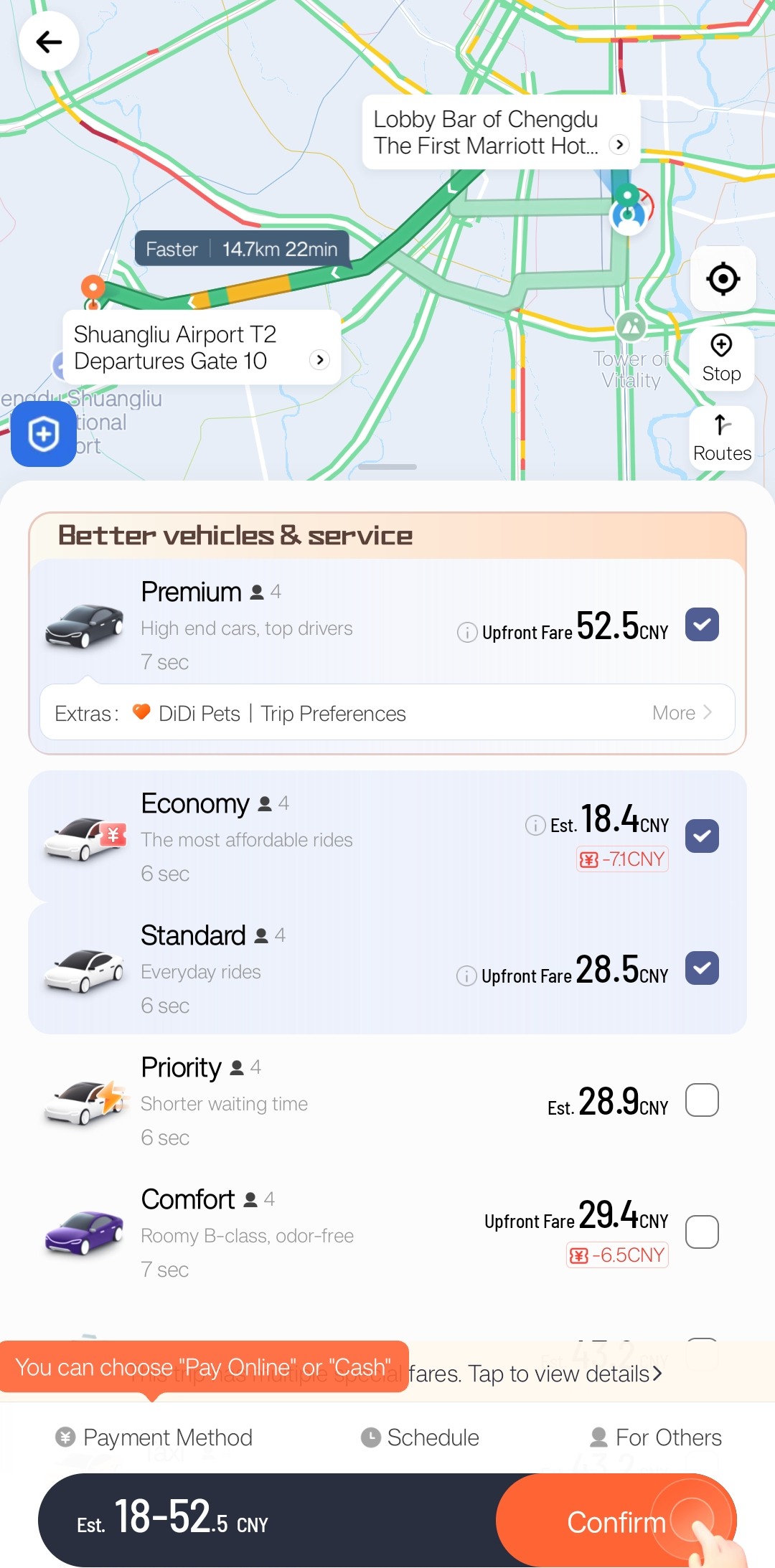
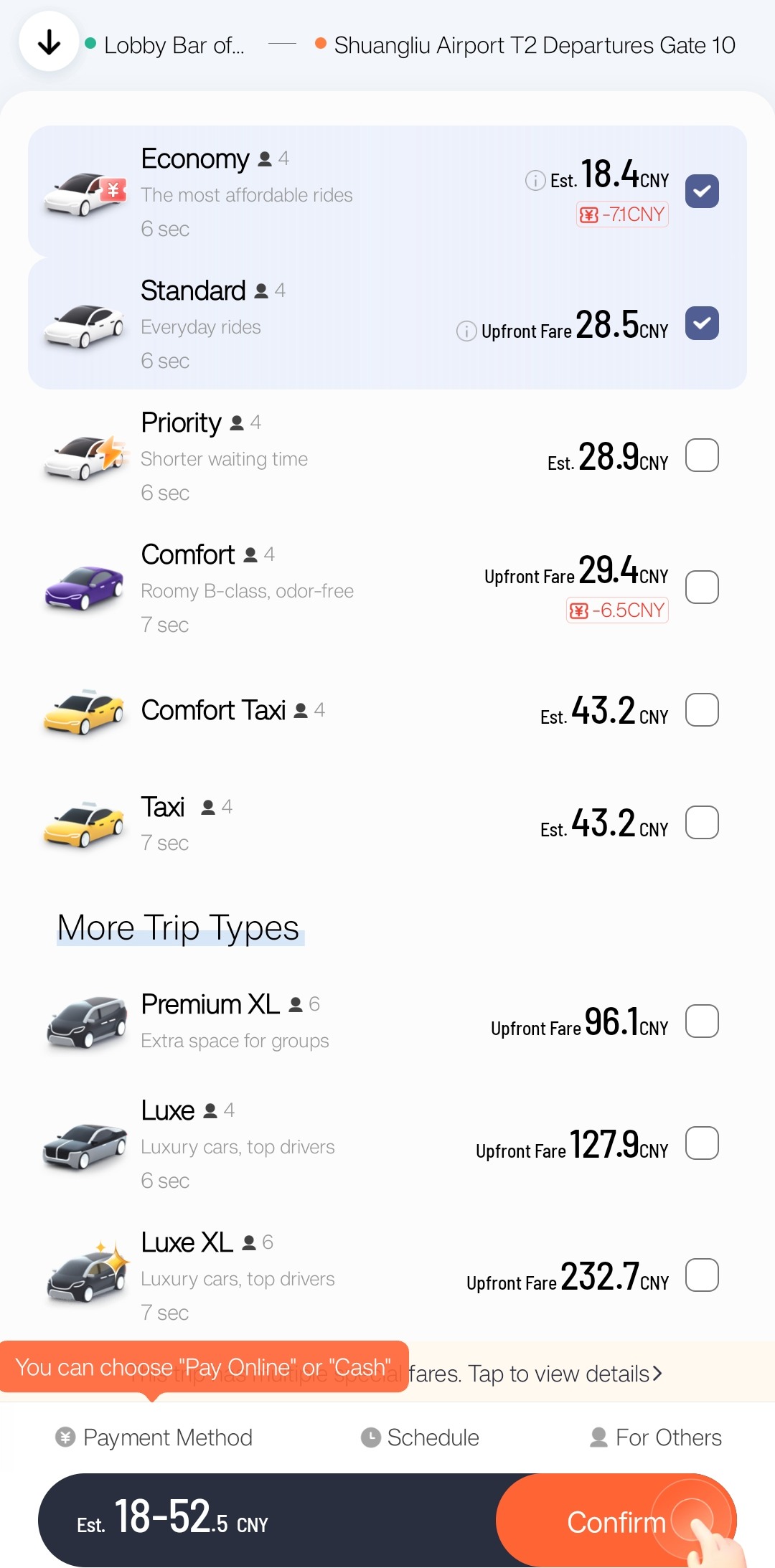
The authentic screenshots preserve their original RMB amounts. This sample ranges from approximately USD 2.76 (RMB 18.4) to USD 34.89 (RMB 232.7); it is one test, not a general price. USD estimates use USD 1 ≈ RMB 6.67 on October 29, 2026. China rides are charged in RMB.
04 · PAYMENT & BACKUPS
Choose payment before your ride is matched
DiDi’s official store descriptions list international bank cards. Alipay, WeChat Pay or other methods may appear depending on the account and flow. Set up a second option before travel.
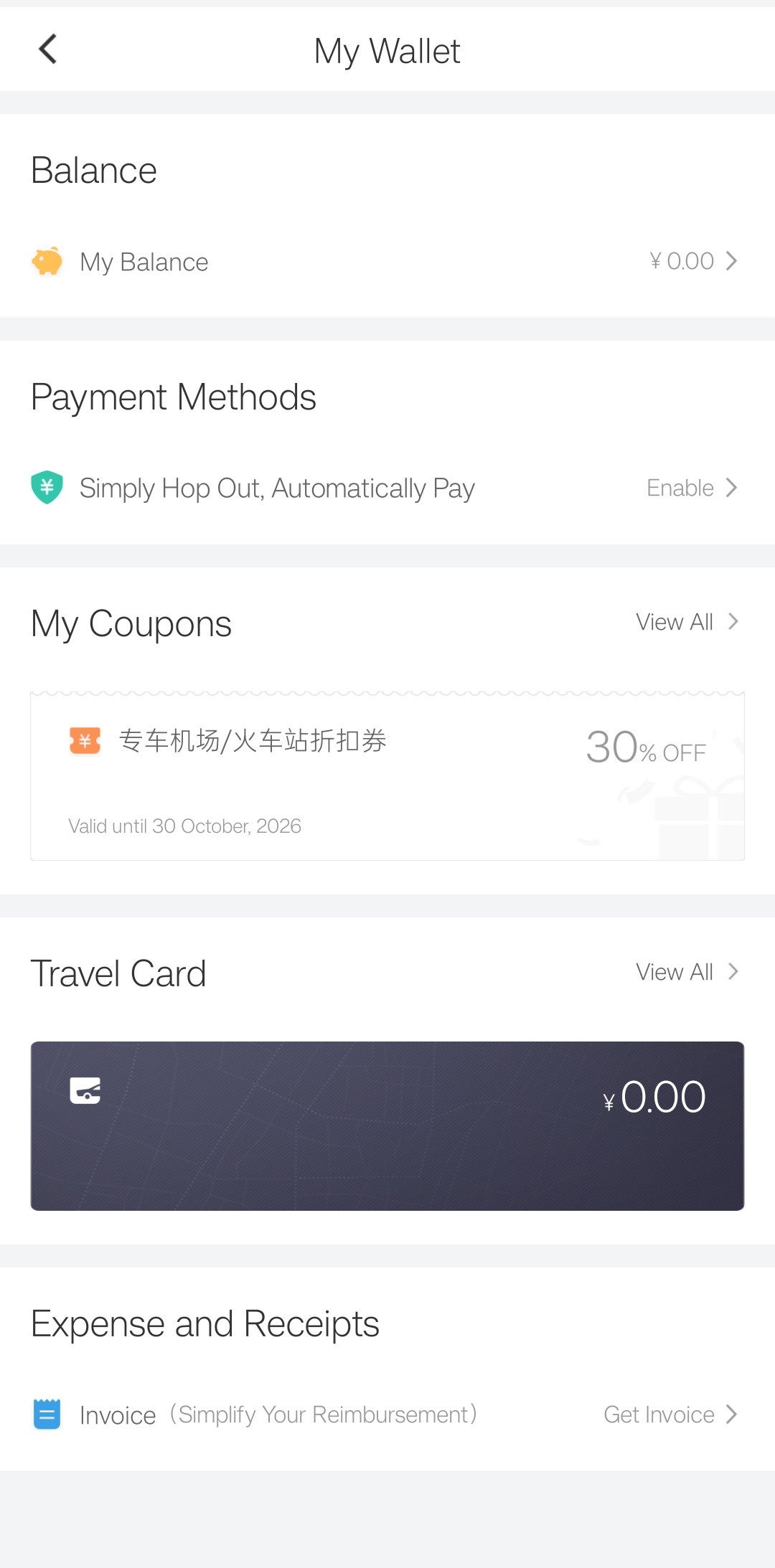
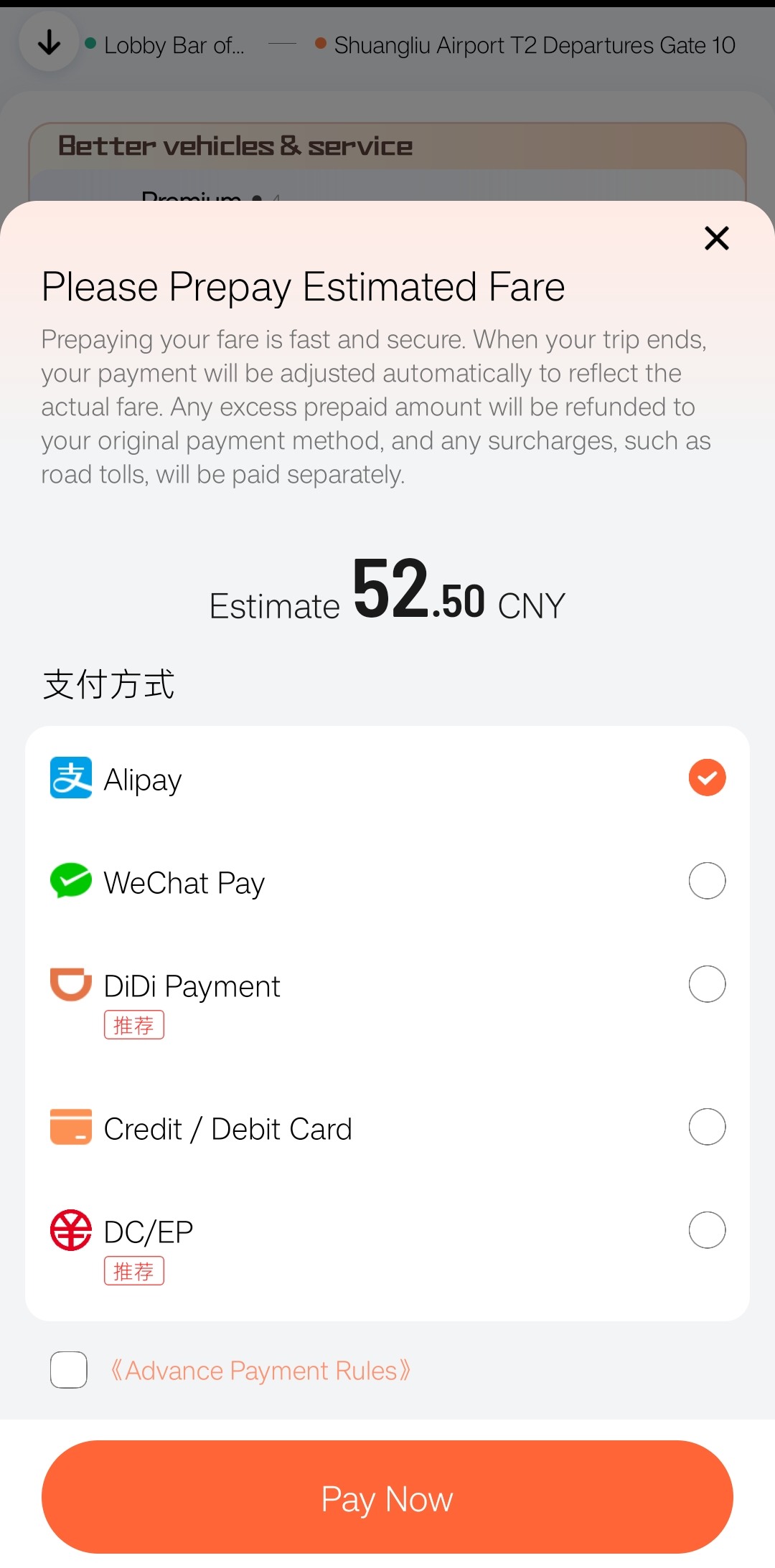
This test shows a prepayment estimate of approximately USD 7.87 (RMB 52.50). The screen says the payment is adjusted to the actual trip fare; check the live wording before paying.
| Problem | What to do | Backup |
|---|---|---|
| No driver accepts | Recheck the pin and try an appropriate ride type. | Official taxi, metro or airport bus. |
| Driver cannot find you | Message the exact entrance or zone and check the pin. | Move only to a signed, safe point. |
| You need to cancel | Use Cancel and read any fee shown before confirming. | Use in-app support for a disputed charge. |
| Payment fails | Try another method already set up. | Keep a physical card and RMB cash. |
05 · DRIVER & MESSAGES
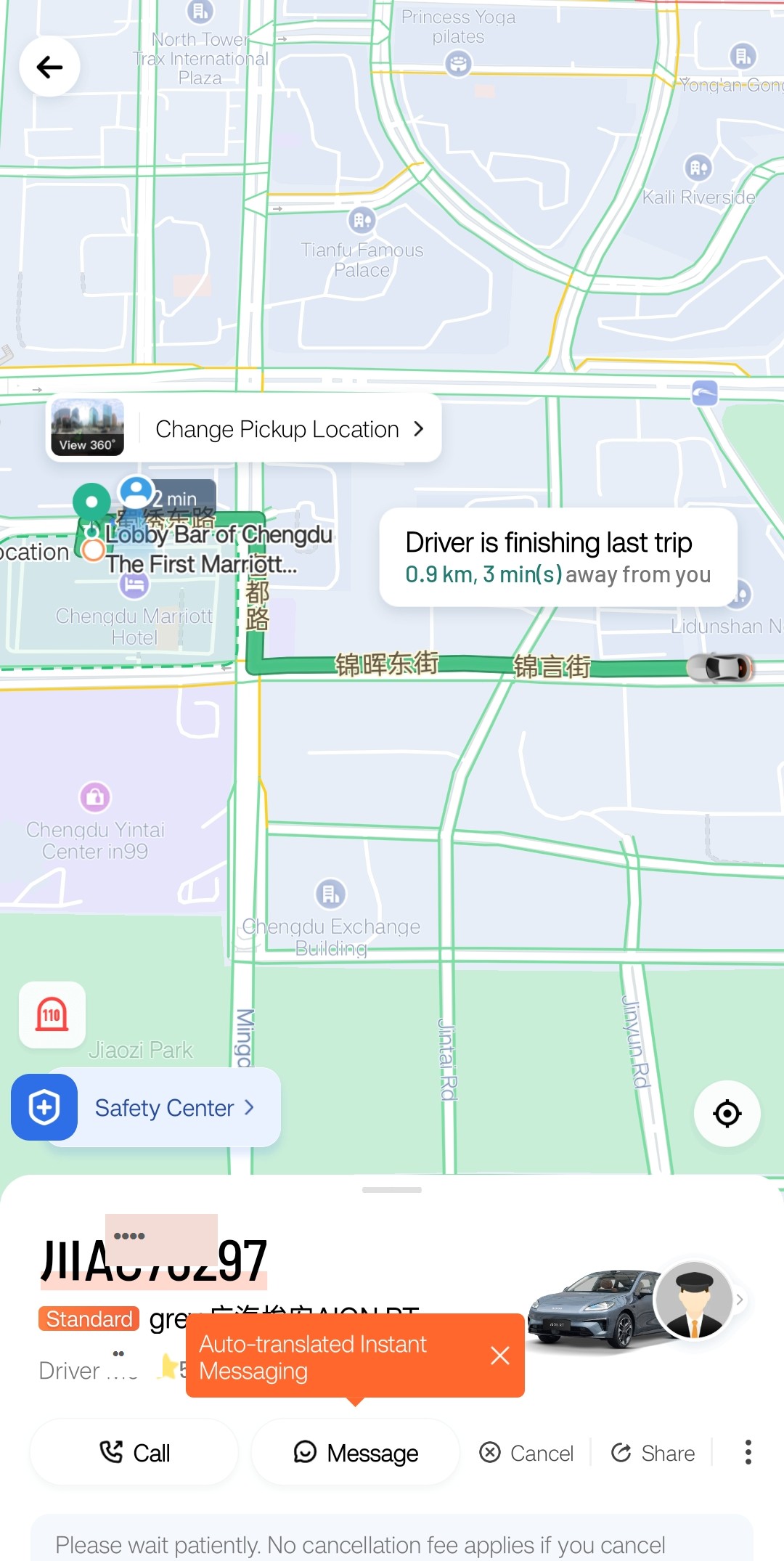
Match the driver, car and license plate
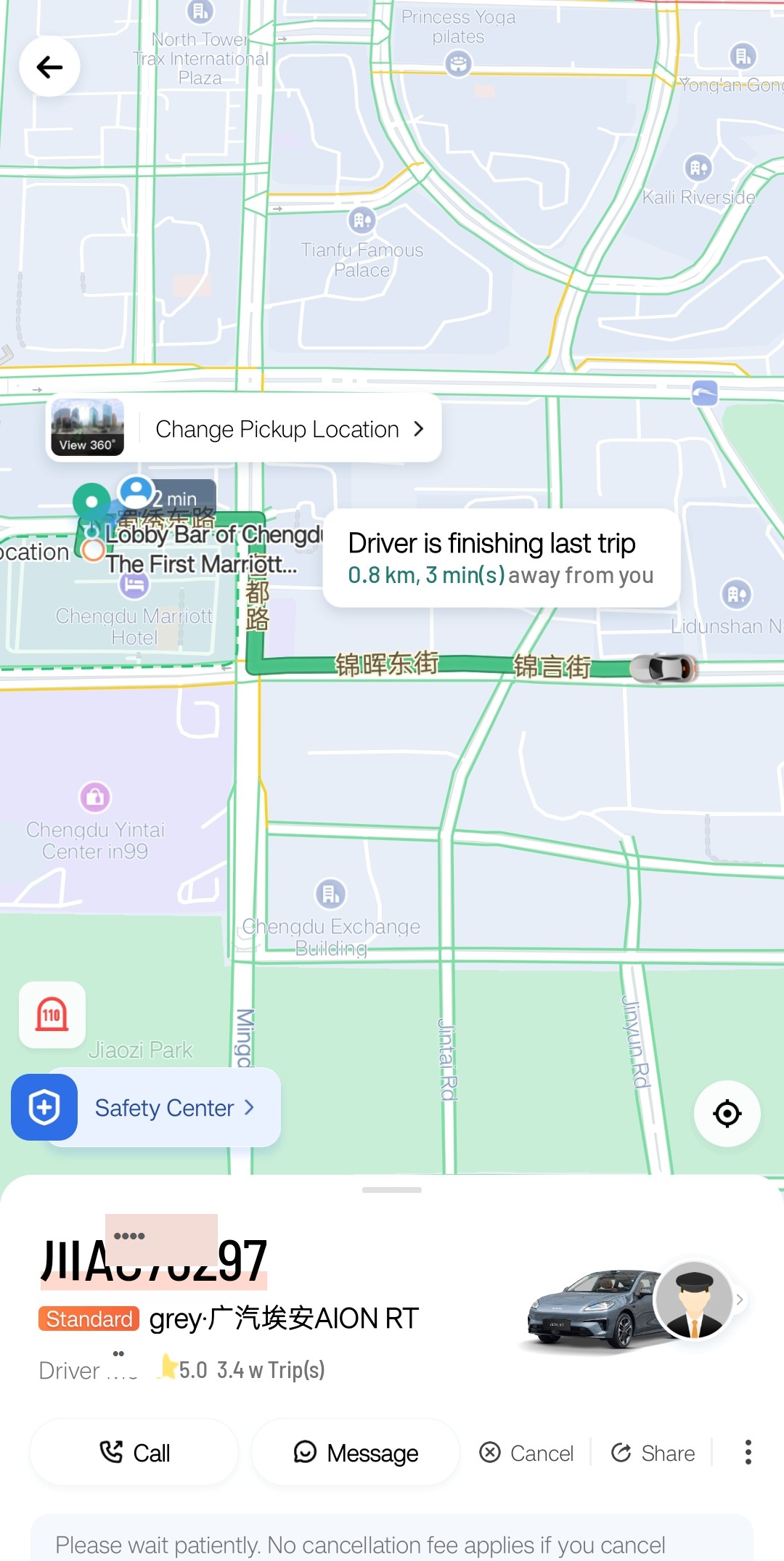
After a driver accepts, the trip screen displays the license plate, vehicle colour and model, and driver name. Compare all three with the arriving car before entering, and do not enter a vehicle whose plate does not match the order.
Check the complete plate first, then the car and driver
The plate is the strongest match. Next compare the displayed colour and model with the arriving vehicle, then check the driver name and profile. The identifying parts of this real example are masked for privacy; your own order will show the full details.
Send a short message in English
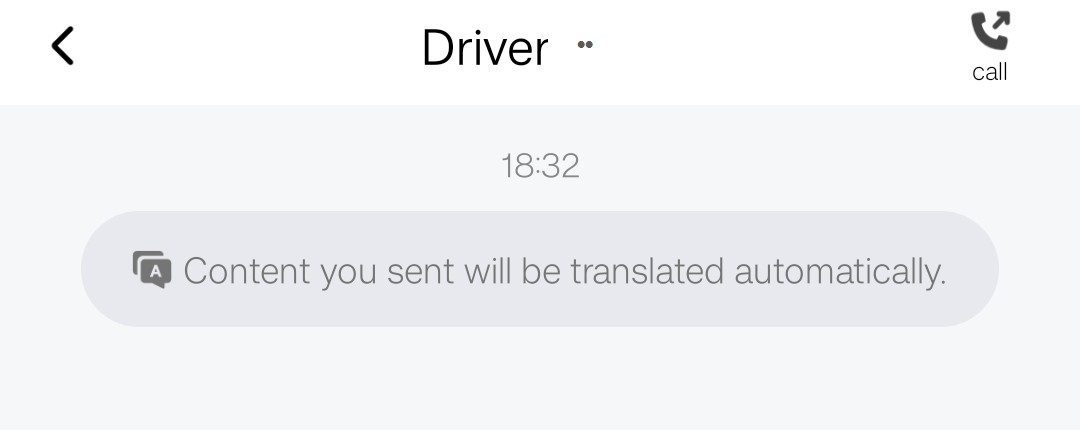
The chat window states that content you send will be translated automatically. Type a simple location message or choose an appropriate quick-text reply, then keep the chat open for the driver’s response.
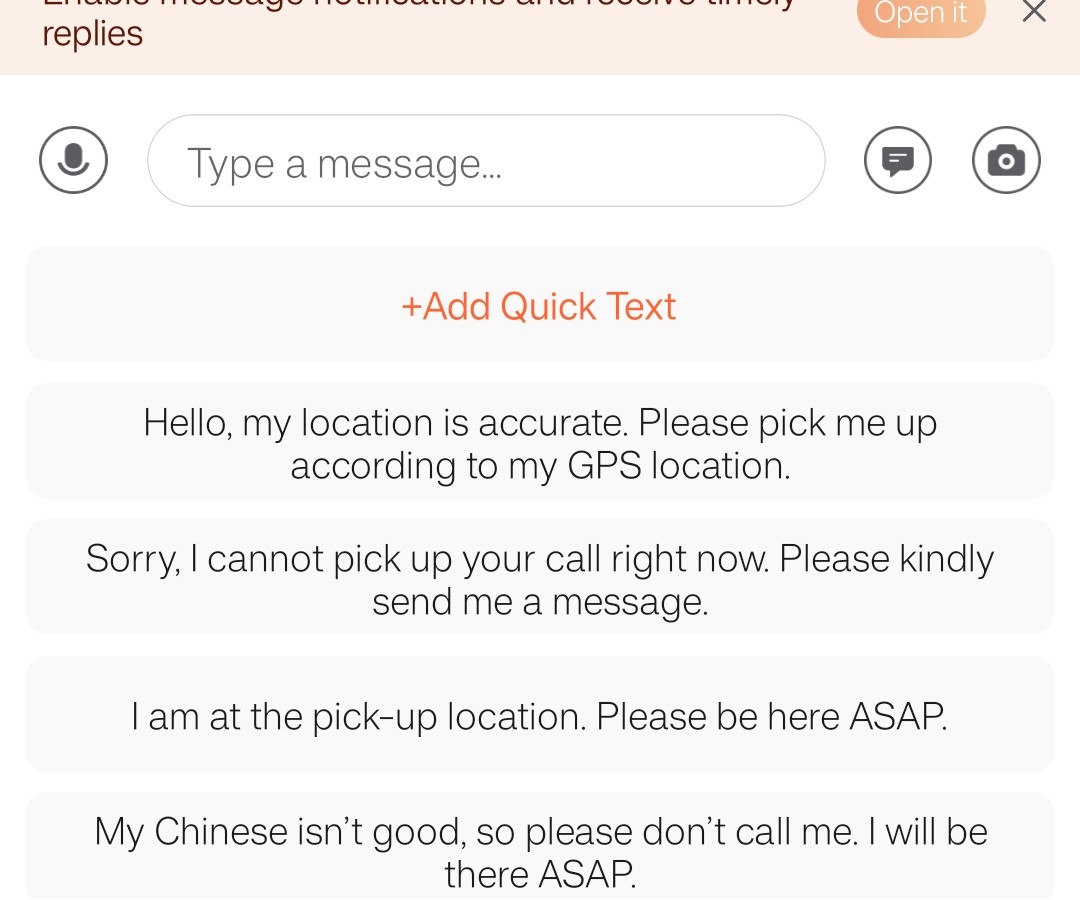
A driver who calls may still speak Chinese. If you cannot follow the call, return to chat and send your exact gate, entrance or pickup-zone name. Keep messages short and check that the location shown in the order is still correct.
06 · AIRPORT PICKUP
Use DiDi’s Visual Guide, then follow the airport signs
At Chengdu Tianfu International Airport (成都天府国际机场) and Chengdu Shuangliu International Airport (成都双流国际机场), choose the pickup point shown in the live order. When a pickup card includes Visual Guide, tap the card to open DiDi’s photo-by-photo walking route from the selected exit.
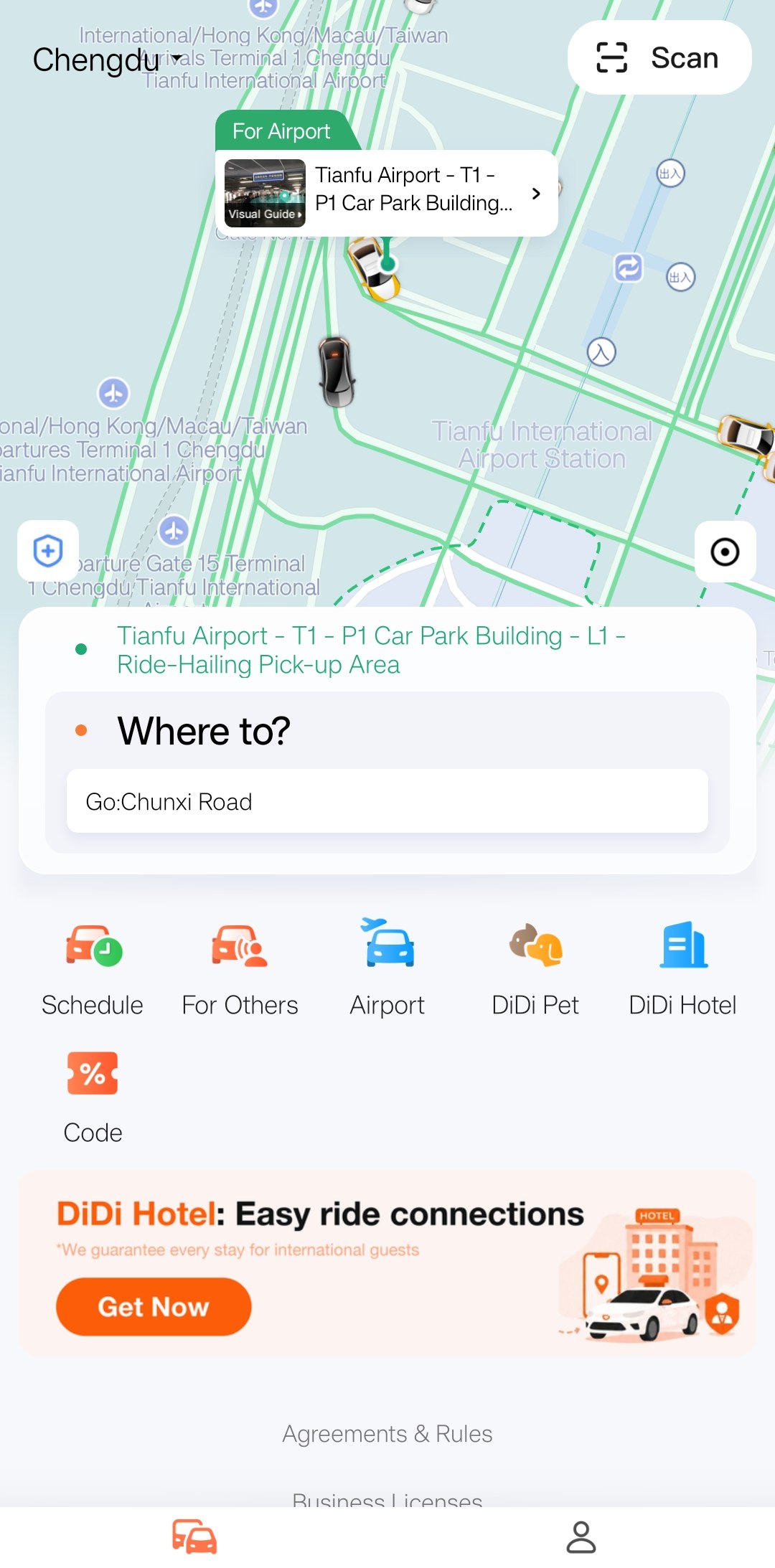
The guide is tied to the pickup point and exit selected in the app. Reopen it if the order changes, and let the live order and on-site Ride-hailing / 网约车 signs override an older saved screenshot.
Tianfu is far from central Chengdu. After a long flight, a first-time visitor may find the signed metro route or official taxi queue easier than locating the ride-hailing area and coordinating a driver. This is practical advice, not an airport rule. Ignore unsolicited ride offers inside the terminal.
Both terminals currently lead to the shared P1 parking-building pickup area. Follow the split photo route in the Tianfu Airport ride-hailing guide.
T1 and T2 use different pickup areas. Choose your terminal in the Shuangliu Airport ride-hailing guide.
07 · FAQ
DiDi questions from first-time visitors
Is DiDi the Chinese Uber?
It is a major Chinese ride-hailing service and is commonly understood as China’s equivalent of Uber.
Do I have to install the app?
No. DiDi Travel opens inside Alipay. The standalone app adds a dedicated English ride interface, trip history, chat and support.
Can I search in English?
English works for many major places. Check the result and map pin; use Pinyin or the Chinese address when unclear.
How do I identify my car?
After matching, compare the driver, vehicle and license plate shown in the order before entering.
Does DiDi translate the driver?
In-app text messages support English-Chinese translation. A normal phone call may still be in Chinese.
Where do I meet DiDi at an airport?
Use the designated ride-hailing area shown in the app and on current airport signs.
Checked October 30, 2026. Sources: App Store · Google Play · Shanghai Government English guide · Chengdu Airport ride-hailing information. App screens and airport arrangements can change.